
Mac App Store: redeeming a promo code
Historical reference: redeeming a former Mac App Store promo code.
A reference from an earlier chapter
This material preserves the original Textual documentation and may describe older versions, former services, or superseded policies. It is not a statement of current availability or new Blendbyte commitments.
For current guidance: Licences and the App Store transition.
On this page
Current guidance: Textual is no longer sold in the Mac App Store, and the former promo-code offers have ended. This guide is kept for historical reference. See guidance for Mac App Store owners.
This guide will instruct you how to redeem a promo code for Textual in the Mac App Store.
Download Textual
If you have not done so already, then download Textual in the Mac App Store.
Redeem Promo Code
To redeem a promo code, follow these steps:
-
Open the App Store
-
Navigate to the home page of the App Store by clicking Featured at the top.
-
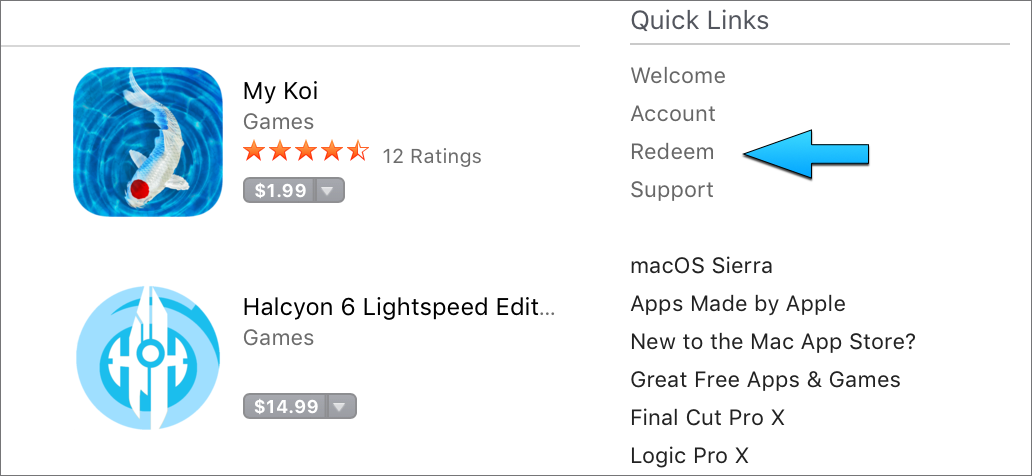
On the right side of the home page, under the section labeled “Quick Links,” click Redeem.
- Scroll downward until the text field used for manually entering a promo code is revealed.

- Enter your promo code into that text field and click the Redeem button that appears.
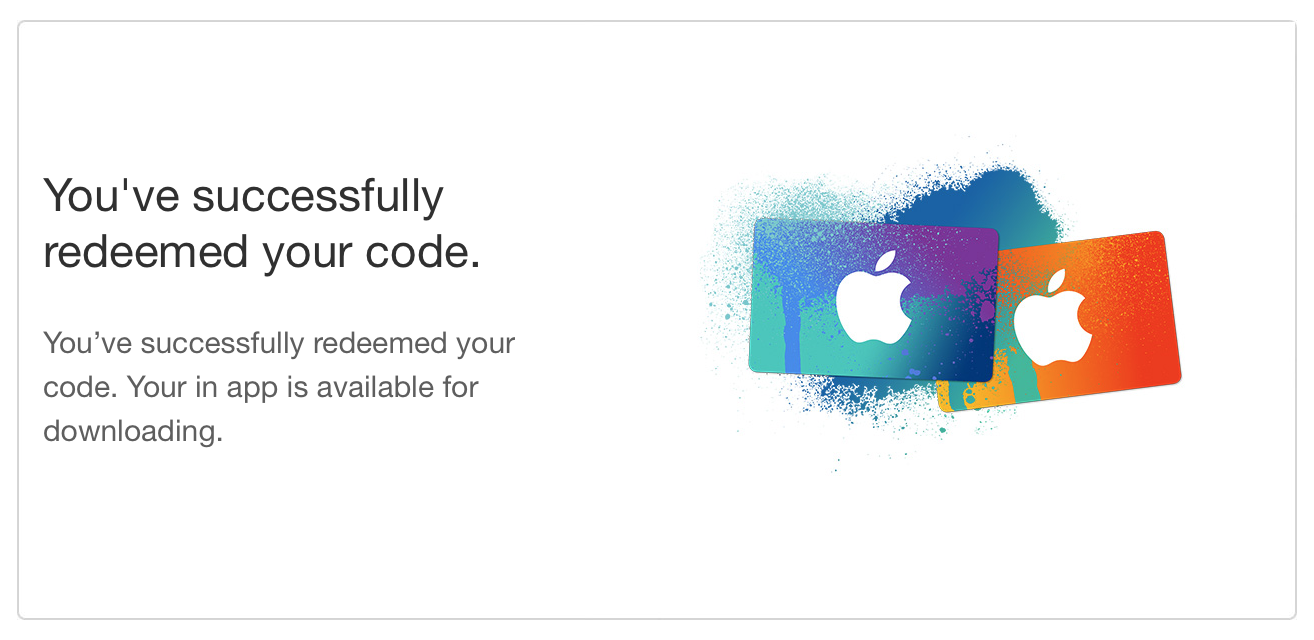
After some time, the App Store will confirm that your promo code was redeemed.
- Continue to the “Activating Textual” section of this guide.
Activating Textual
To activate Textual after redeeming a promo code, follow these steps:
-
Open Textual
-
For step two, the Unlock Textual window needs to be accessed.
This window is visually similar to the following
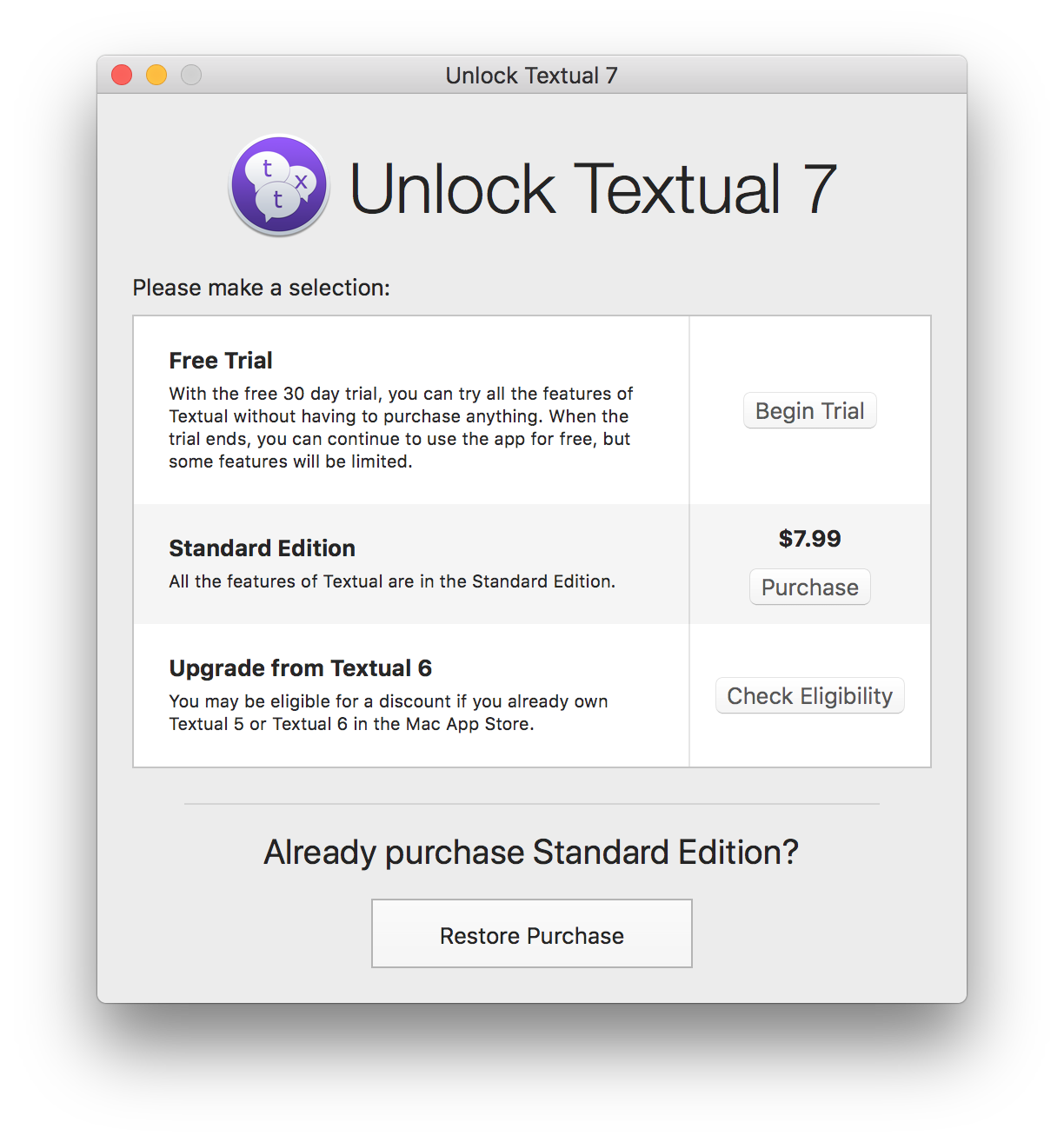
If you have not unlocked the free trial yet, then this window will automatically appear.
If you have already unlocked the free trial, then open this window by following these steps:
-
Navigate to the main menu in the top left corner of the screen
-
Open the bold Textual menu
-
Click the item labeled In-app Purchase… when the menu appears
-
Inside this window, click the Restore Purchase button at the bottom.
-
There is not a fourth step. Thank you for using Textual!
Keep reading
Source material
Original Codeux material preserved from the knowledgebase snapshot of 9 September 2026. Formatting and internal links have been adapted for this site.
Need a hand? Contact us about this guide.